Steemit - Image Alignment & Text Wrapping
As we all know, many of us tend to read posts with images in it. So in this tutorial we will learn how to add style in our post with the help of image alignments

What we will be discussing is . . .
- Inserting an Image at the center of our post
- Inserting an Image aligned at the left of our post
- Inserting an Image aligned at the right of our post
Center the image and have the source right at the bottom
We can center our image and text by using the <center> </center> tags. Remember when using HTML tags a start and closing tag is necessary. Closing tags were denoted by having the / sign.
We can insert our desired image to the center by following this line of code <center>IMAGE URL</center>
- The
IMAGE URLwould be the url of our image
When we insert images many of us usually get those images from the internet so basically we need to give our readers the sources of our images. To do that we should follow this code [Sources](URL)
- The
Sourceswould be the text displaying to our readers and theURLwould be the url of the page we want our readers to be redirected once clicked the displayed text
Sample Code:

Preview:
Align the image to the left and have the source right at the bottom (With Text Wrapping)
Some of us uses small images. With this some wants to insert text beside to these images to have more style. We can align our image and insert text beside to it by using this block of codes
<div class="pull-left"><center>"IMAGE URL"<a href="URL">source</a></center></div>
The text written right after the block of codes would be displaying right beside to the image
Sample Code:
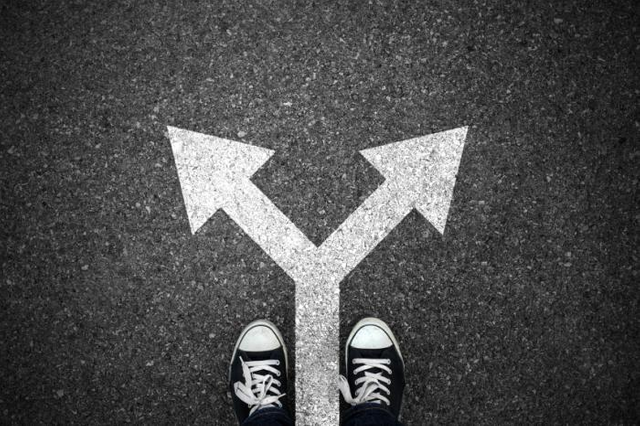
Preview:
Decisions and Choices are things that must be think thoroughly before doing. It’s because our decisions matters to the rest of our lives even if it result in favor of us or not. Our decisions was affected by the people around us, by our parents, by our sister, by our brother, by our friends or even by the people that surrounds us. There are times that we do make some consultations to this persons, for advice and opinions that will help us a lot about the decision or choices we are going to make.Align the image to the right and have the source right at the bottom (With Text Wrapping)
Some of us uses small images. With this some wants to insert text beside to these images to have more style. We can align our image and insert text beside to it by using this block of codes
<div class="pull-right"><center>"IMAGE URL"<a href="URL">source</a></center></div>
The text written right after the block of codes would be displaying right beside to the image
Sample Code:
Preview:
Decisions and Choices are things that must be think thoroughly before doing. It’s because our decisions matters to the rest of our lives even if it result in favor of us or not. Our decisions was affected by the people around us, by our parents, by our sister, by our brother, by our friends or even by the people that surrounds us. There are times that we do make some consultations to this persons, for advice and opinions that will help us a lot about the decision or choices we are going to make.



See my post and vote my last 3 post and I will upvote you 100% in one hour.... No reply
Thanks for information.
Upvote done
No problem hope you learn something hahaha
This post has received a 0.08 % upvote from @drotto thanks to: @banjo.
Thank you for the tips, I will noted it.
Thanks, wish to catch the attention of our readers :)
thanks for the info.
no problem, hope we can have more readers to it