Extracting Screenshots from Nintendo Switch
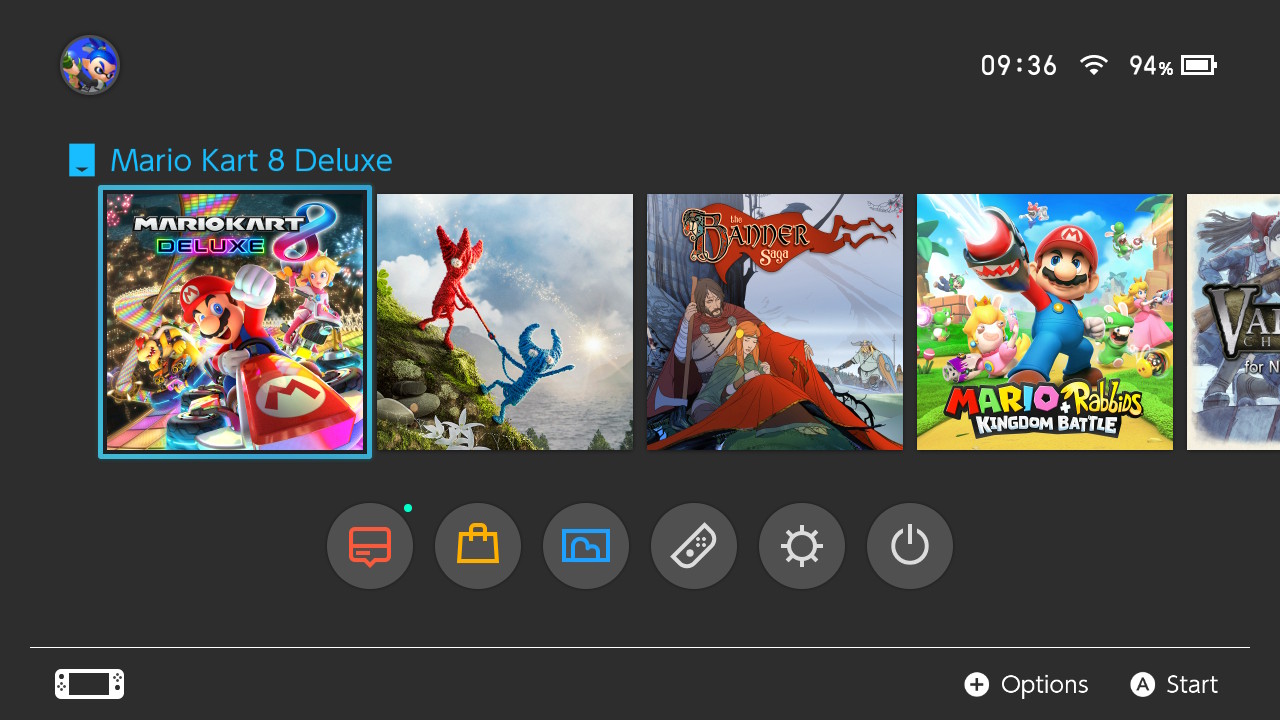
The Nintendo Switch is one hell of a great travelling gaming machine. Recently, we have seen some pretty awesome games like the Witcher 3 and Divine Divinity 2 ported over to the mobile console... games that are fully fledged PC games, and not some weird and crappy mobile adaptation. Combined with the first party titles like Breath of the Wild, Mario Kart 8 and many others... and you have a machine that is capable of many in-depth and engaging games!
... as long as the battery lasts! I have a first generation Switch, and the battery life whilst gaming is at best on the order of 3 hours. So, good for a train ride, after which I need to plug it into a wall or my stupidly huge Anker battery.
That said, there are a few things that I would dearly love to have seen improved in the Switch... the first being the addition of Bluetooth for audio! This is a bit of a pain point, as most of the mobile devices now have ditched the audio out port for Bluetooth audio... and it is now a bit annoying to carry two headphones around. That said, it is a problem that is easily remedied with a audio Bluetooth transmitter... but it is an extra bit of kit that needs to be packed into the Switch case!
However, a more annoying problem is the lack of ability to extract data from the micro SD card that is used to store screenshots (and extra game storage!). There is a USB-C port that could be used for this... and there is also Wifi... so it is pretty annoying that you can only extract the data on the micro SD card by physically removing the card and plugging into a computer!
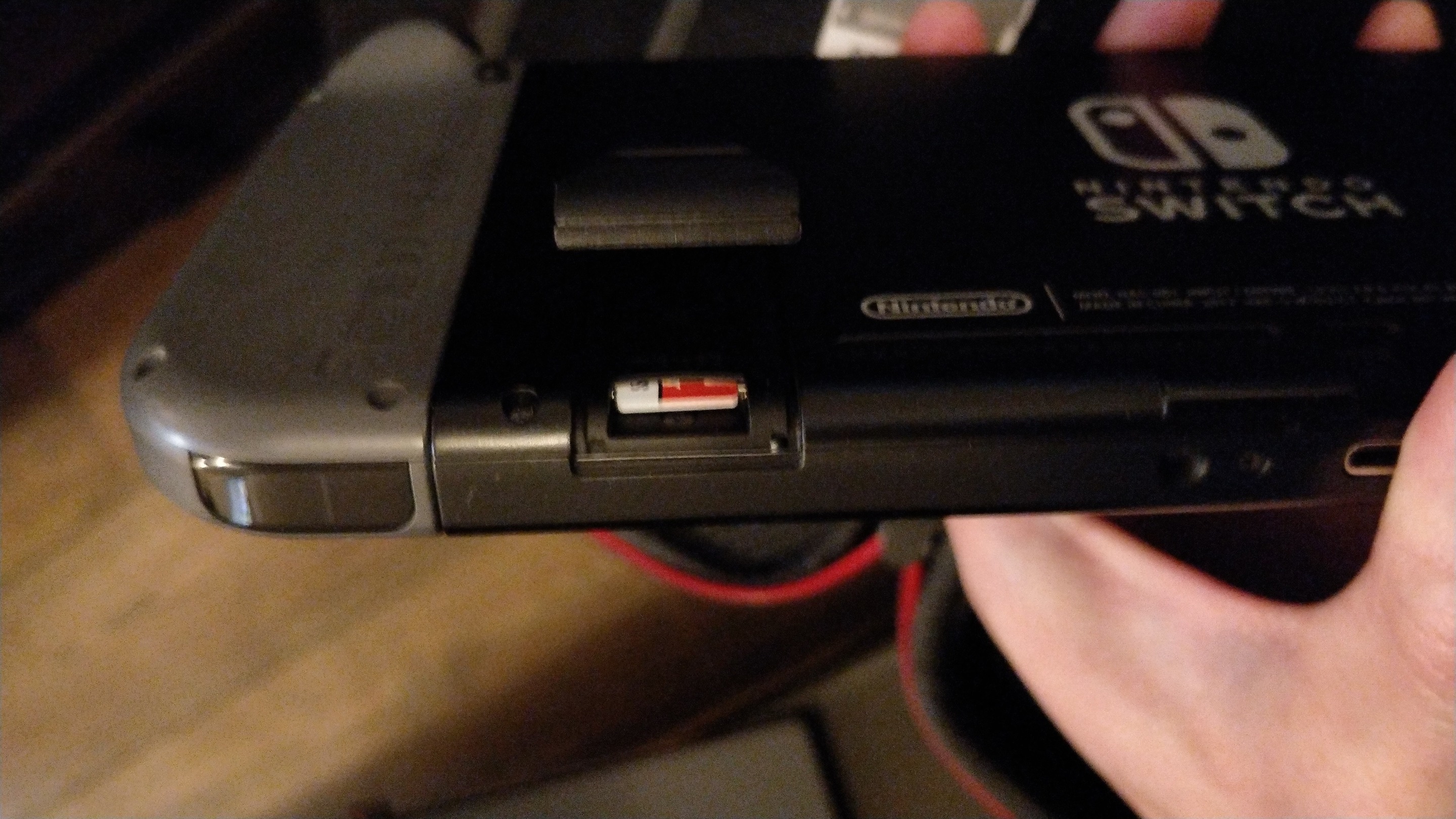
The micro SD card is physically located on the back of the Switch... just under the flimsy kickstand... which I have never used! It serves a better role as a hatch for the micro SD port rather than serving a pretty crap job as a kickstand which is likely to break! In fact, I even wonder if it was ever originally designed to be a kickstand and not a hatch!
However, before removing the micro SD card, you do need to power down the machine. That means a proper power down and not the Sleep mode. This is trickier than you would think... it isn't an option that stands in the overflow menu of the home screen... and pressing the power button only sends the machine to sleep.
I had to look up the procedure online... it is something that I do about once every few months and so I keep forgetting where the power off option is! You need to hold down the power button for 5 seconds... after which a menu pops up on the screen to give you the proper power down and restart options! Hmmm... someone needs to rethink the UI for that! This is something that would be better served in the overflow... it would be more discoverable, and many people still think that the sleep mode is the proper power off!
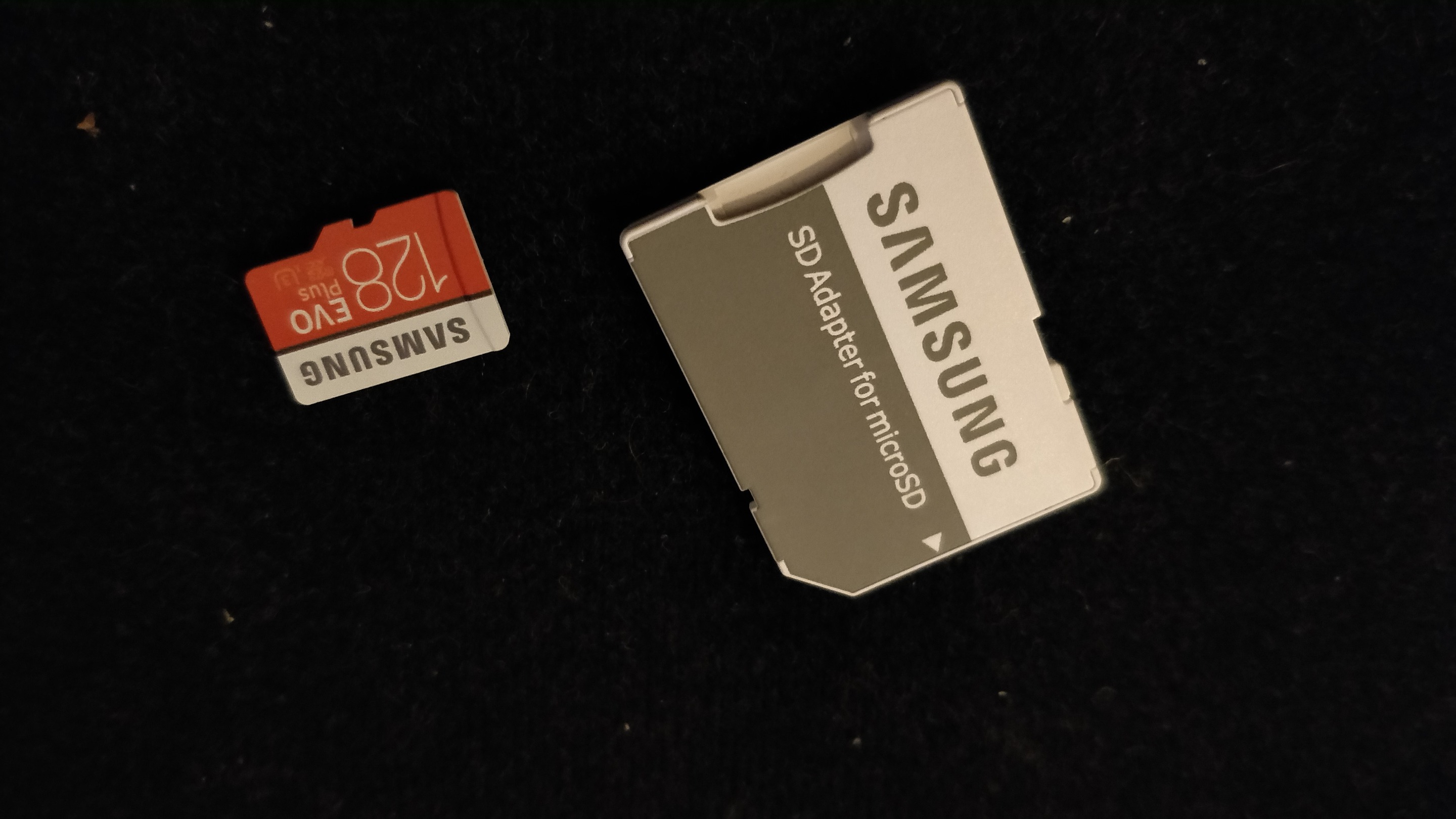
So, power off... and then popping out the micro SD card is a breeze. Luckily, I always pack an adapter so that it can be easily plugged into my XPS15. However, even the full sized SD port is starting to become a bit of a rarity in laptops these days... it won't be long before we are all living the dongle life!
So, screenshots all extracted... don't get me started on the file system they use... it is done nested folders by month within year... I would have preferred the file system to be at least related to the game in which the screenshot was taken. However, I have a feeling that the machine doesn't even know that!
Now, there is a bit over a year of screenshots now transferred... from about 12 different games! I can finally get started on writing those Nintendo Switch game reviews that I have had bouncing around my head! It is amazing how a little tiny bit of friction in the screenshot transfer leads to so much procrastination... but that is the human condition at play there!... or maybe I'm just lazy!
Splinterlands (aka the best blockchain game out there!)
Humble Bundle
Have you heard of Humble Bundle? It's a place to get some really great deals on Games, e-books and comic bundles. However, if you sign up for a Humble Bundle Subscription (12 USD per month) you get some really nice bonuses!
- A 100+ USD bundle of games delivered direct to you each month, redeemable on Steam, Uplay or direct download (depending on the game). This includes recent Triple A games!
- Access to the Humble Bundle "Trove", a list of 60 games (and growing...) which are free to play as long as you remain a subscriber!
- Additional Discounts on the Humble Bundle store, with the choice of supporting charities, Humble Bundle or developers in whatever percentage that you wish!
Humble Bundle Subscriptions, it's a no brainer for the dedicated gamer!
Account banner by jimramones
Oh my! Nintendo really doesn't want you doing it that way. Just like Apple.
Personally I love the physical memory options, and hope they keep making physical cartridges for all major games. Without it, Nintendo has too much ownership of the games, preventing me from enjoy collecting, trading, and selling.
I usually spam my screenshots to Twitter, using the built-in share options, and download them from there. After I post a couple, Twitter usually asks me to verify my account again. It is actually pretty difficult to type in my password on the Switch version of Twitter, because it hides the input characters, and does not store the password. It annoys me to the point of insanity.
Honestly, I don't use Twitter for anything else nowadays.
Not my preferred method. If Nintendo would allow me to send screenshots directly to my email that would make far too much sense!
It is good that Nintendo allows us to do this without having to buy their Nintendo Online account. If they offered a simpler way to send screenshots, I might be more tempted to pay the $20 annual fee.
I do like the idea of the resale value of the physical cartridges... but they are such a pain in the arse to keep swapping in and out!
Wow, you take a completely different route to get the screenshots... It is a pain in the arse... but I think I'm pretty lazy in not just removing the SD card! First world problem... but emailing them would be really handy... after all, there is an internet connection!
This post has been upvoted by @opgaming. We like what you're posting, and we want to reward our members who produce quality content. Keep up the good work!
If this sounds like the sort of group you want to be a part of, click the image below! We're too OP to be put down!