HOW TO MAKE BIDS
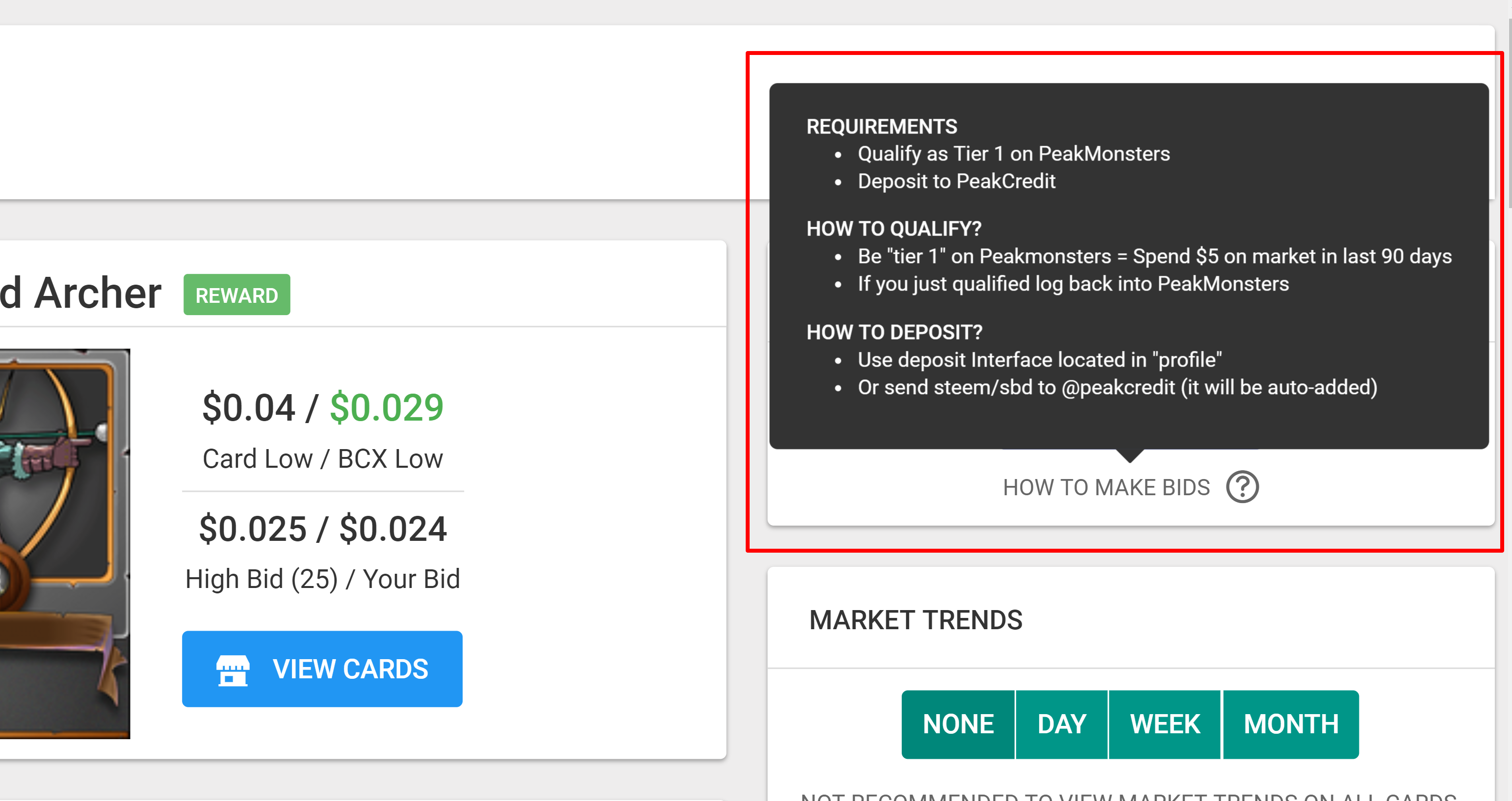
We have added a tool tip on https://peakmonsters.com/market
We figure not everyone reads these blogs so we should have the necessary information right on the site.
In addition there is a korean and chinese interface that need that information as well.
HOW TO MAKE BIDS
In recap of what the image says...
- Log into Peakmonsters
(Use steemconnect or our favorite Keychain plugin for Chrome) - Check PROFILE
(Top right hand corner) - Make sure you're Tier 1
(to qualify spend $5 in the market during a 60 day period ... presently it's 90 day period) - Add steem or SBD to PeakCredit
(Function also available in Profile) - You are all set up and ready to make bids.
Let us know if there's anything that may still be confusing to you or a new user.
I had the problem the last day, that I didn't figured out how to sell a card to an open Bid? I just entered the price of highest Bid into my sell order. But unfortunatly instead of matching both orders togehter they where just sitting there in the order book.
Any suggestions?
Posted using Partiko Android
Congratulations @peakmonsters! You have completed the following achievement on the Steem blockchain and have been rewarded with new badge(s) :
Click here to view your Board
If you no longer want to receive notifications, reply to this comment with the word
STOPTo support your work, I also upvoted your post!
Do not miss the last post from @steemitboard: