Full size photos
Hey dear Steemians!
Let's see a trick to turn your photos clickable and give the ability to who visit you to click the photo and see it in full size and like this to appreciate all the details.
You can try this in the photo below.
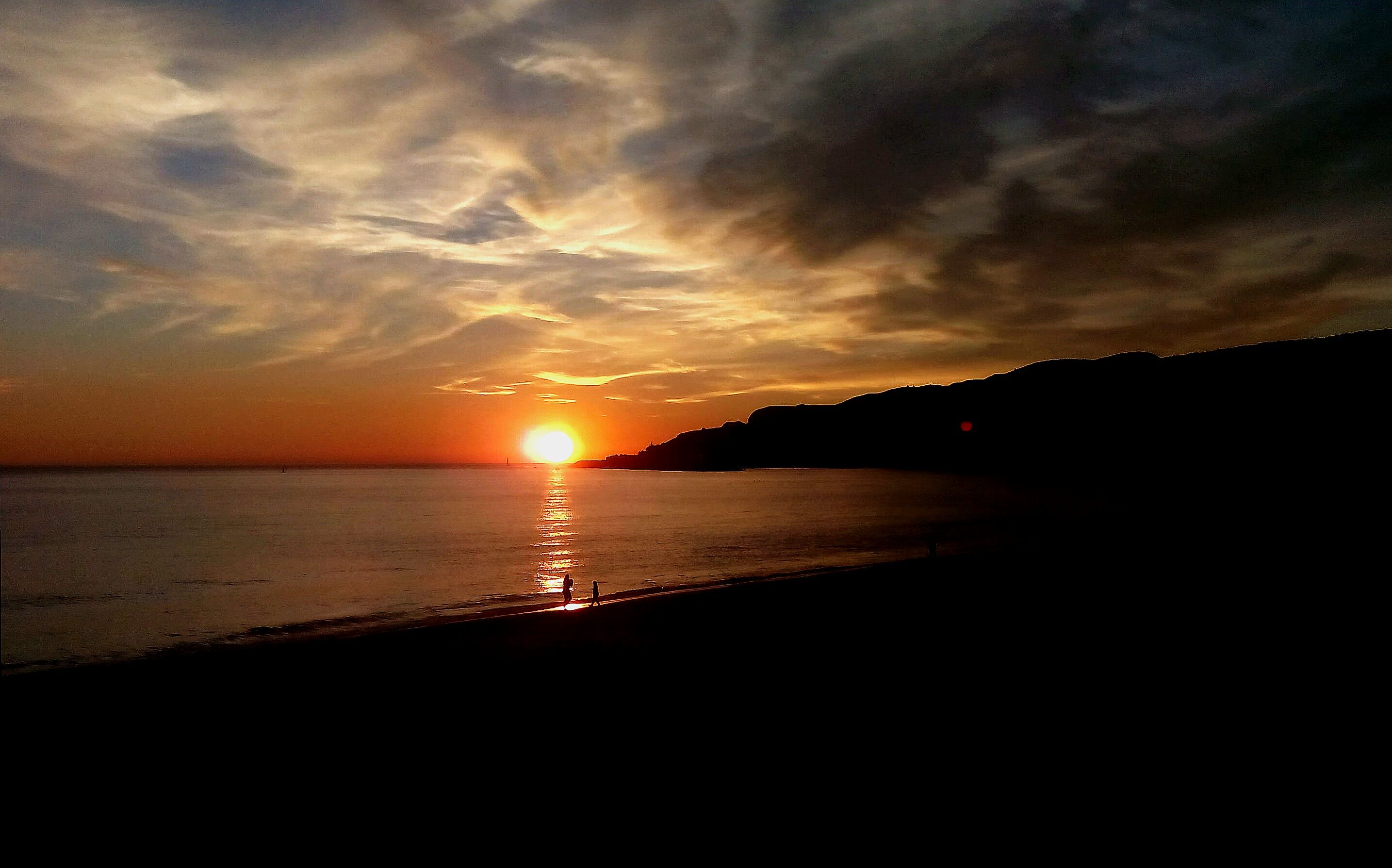
So.. How can we do this?
When you insert a photo on your post the editor adds something like this
The only important part is the photo link
Copy the link of photo, from http... till ...jpg.
Now you can add in your post this

(you don't have to write just copy this text above)
After this you can delete de text created by the editor, this one
Before delete you can check that you have two photos in preview, one from the code you gonna delete, and the new code, that one
good post ! @psos. I'm sure lots of people will find that tip really useful :)
Thanks @outerground I hope so :)
Your Post Has Been Featured on @Resteemable!
Feature any Steemit post using resteemit.com!
How It Works:
1. Take Any Steemit URL
2. Erase
https://3. Type
reGet Featured Instantly � Featured Posts are voted every 2.4hrs
Join the Curation Team Here | Vote Resteemable for Witness
Thanks! That's a useful one there.
👍
I have a question! Is there certain photo types/sizes that do not work?
Hey @chron as far as I know if you can upload it you can use this tip
The images are exactly the same size for me. Is just seems to add a source for the image.
I usually use this markdown (ignore "") to add sources to images: "["IMAGE"]"("LINK") and it seems your markdown does the same.
Hey @ I don't know if I understand what you mean.






Look
This is the code you get when you upload an image into a post. The image is not clickable.
•
Now the image is clickable and you can see it in is full size.
•
Now the image is clickable and if you click send you to google