Wait for it!
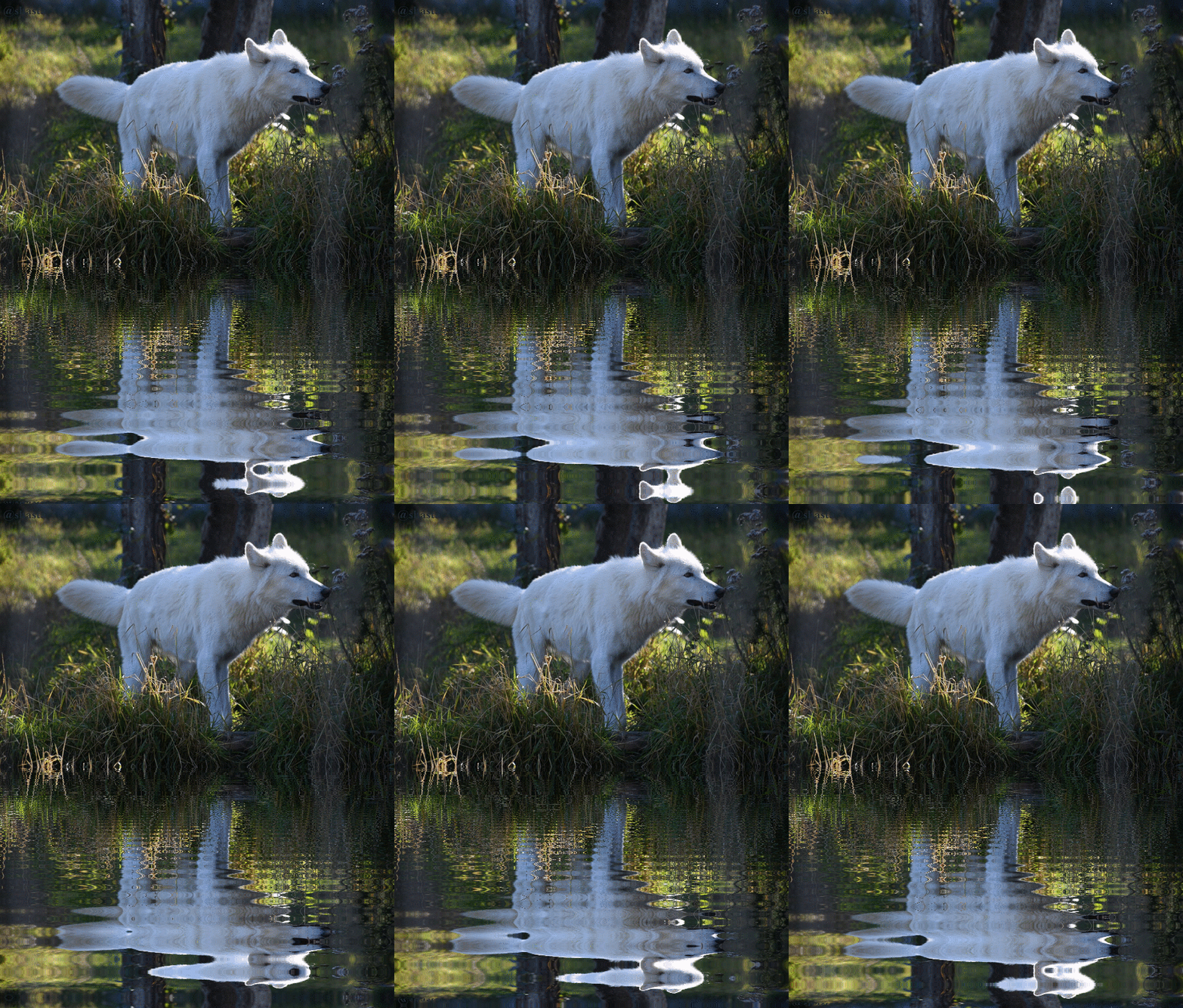
This is 9 edits in one animated gif.
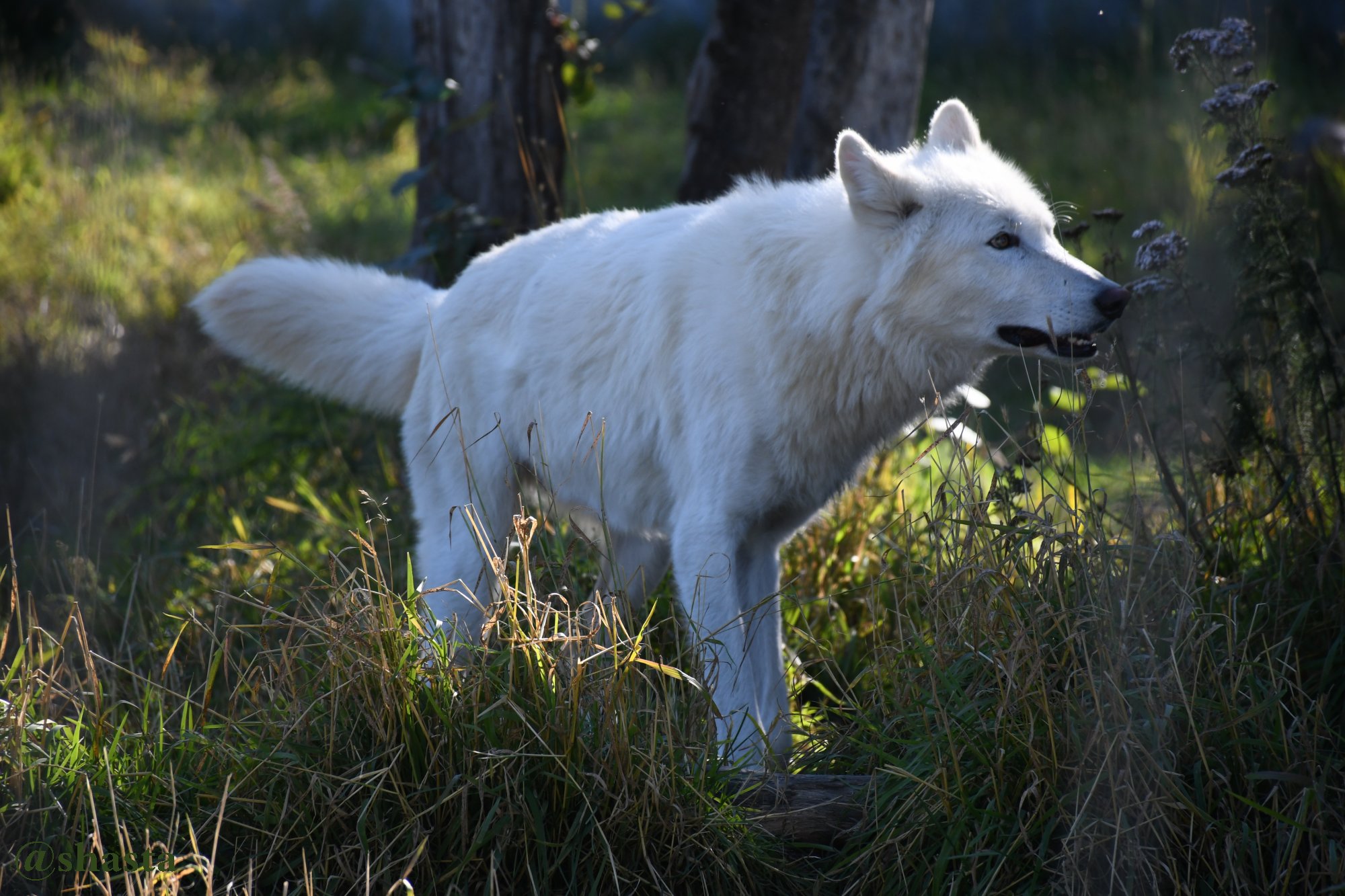
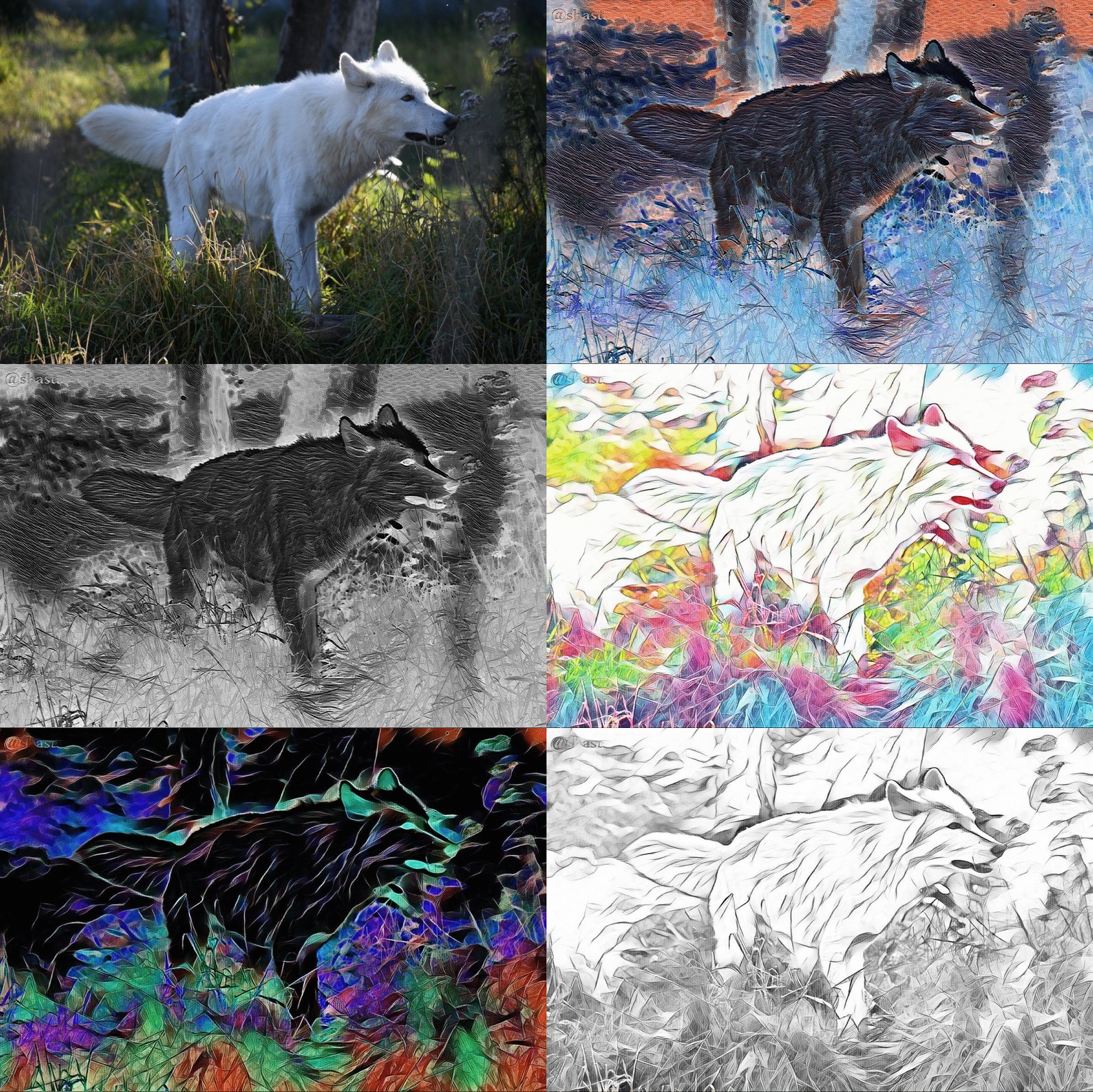
Orignal, with two art edits changed to
negative color, black and whites and
negative black and whites.
Clicking the photos makes them bigger
Click again zooms them in
He is so beautiful, @shasta. I always dreamed about living in a cabin in the middle of the forest and have suche an amazing wild friend. And your photo is like a sequence of my dream.
And such cool edits. The last one rocks.
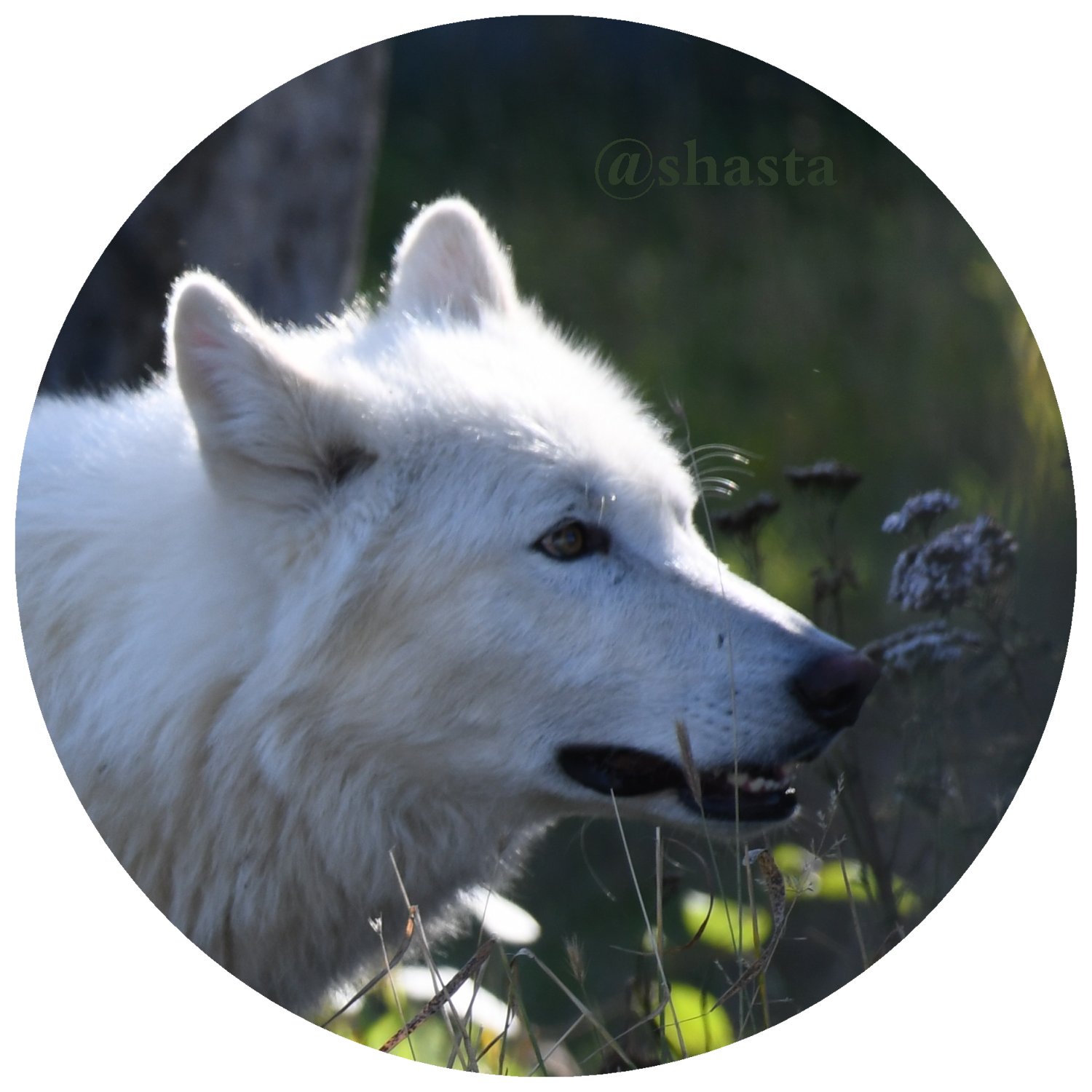
I always wanted to ask you. What code do you use for making the photos round shaped? I found a code once but it did not work as I wanted. 🙂
Thank you ❤ @roxy-cat!
Had a dream ages ago of some mountains, it was
a clear dream, long before moving to Alaska.
When I first got here, I seen the exact same mountains!
Dreams do come true :-)
I make those circles with a old photo program called
paint shop pro, it has a tool to choose for circles and
squares etc. I wonder if the Lunapic has the circle
function https://www167.lunapic.com/editor/
Would have to hunt through its many choices of tools.
I then paste the circle on a slightly bigger white square
and merge them. Highlight my circle or turn on the
night time toggle and can see its a square. There is also
a transparent tool on lunapic, but it's hard to make the
edges look good without lots of time spent on it.
This last photo with several pictures was done on
lunapic, adding more frames to the one first uploaded
photo, under file-add animation.
It is amazing when one can actually live the dreams. You are very lucky, my dear. It was definitely a sign that Alaska is the place where you will find yourself and blossom. 🙂
I managed to find the code for making the photos round but it did not work properly: the photo was indeed round but it messed up the text. I started to check those lines and signs but it's hard work. If I manage to crack it, I will share with you the info.
I don't know if Lunapic has this function, I must check it. I use it mainly for its ripple effect and other animations.
I would recommend Photoshop Express. A great tool for editing photos and so many filters. No animation though.
I will try cropping the photos as you described. Let's see what I manage to do. Thank you for the tip. 🙂
Thanks so much for partaking in #dailypetphotography! Please follow @dpet for upcoming events.
Our discord channel is up and running, come on over and say hi, lots of avil pet owners are awaiting you there. https://discord.gg/GYrnsNm
Mr. Wolf is so handsome that I am sure he will stand out even with that 4 letter word. And you know that I am a big ripple fan. Love it! That animated gif is amazing @shasta! : )
He is so beautiful, @shasta. I always dreamed about living in a cabin in the middle of the forest and have suche an amazing wild friend. And your photo is like a sequence of my dream.
And such cool edits. The last one rocks.
I always wanted to ask you. What code do you use for making the photos round shaped? I found a code once but it did not work as I wanted. 🙂
Thank you ❤ @roxy-cat!
Had a dream ages ago of some mountains, it was
a clear dream, long before moving to Alaska.
When I first got here, I seen the exact same mountains!
Dreams do come true :-)
I make those circles with a old photo program called
paint shop pro, it has a tool to choose for circles and
squares etc. I wonder if the Lunapic has the circle
function https://www167.lunapic.com/editor/
Would have to hunt through its many choices of tools.
I then paste the circle on a slightly bigger white square
and merge them. Highlight my circle or turn on the
night time toggle and can see its a square. There is also
a transparent tool on lunapic, but it's hard to make the
edges look good without lots of time spent on it.
This last photo with several pictures was done on
lunapic, adding more frames to the one first uploaded
photo, under file-add animation.
It is amazing when one can actually live the dreams. You are very lucky, my dear. It was definitely a sign that Alaska is the place where you will find yourself and blossom. 🙂
I managed to find the code for making the photos round but it did not work properly: the photo was indeed round but it messed up the text. I started to check those lines and signs but it's hard work. If I manage to crack it, I will share with you the info.
I don't know if Lunapic has this function, I must check it. I use it mainly for its ripple effect and other animations.
I would recommend Photoshop Express. A great tool for editing photos and so many filters. No animation though.
I will try cropping the photos as you described. Let's see what I manage to do. Thank you for the tip. 🙂
Looks like my neighbors dog Fluffy. lol
lol better to see you with 👀
Thanks so much for partaking in #dailypetphotography! Please follow @dpet for upcoming events.
Our discord channel is up and running, come on over and say hi, lots of avil pet owners are awaiting you there.
https://discord.gg/GYrnsNm
🐾 Thank you @dpet! :-)
I am loving it this Wolf, awesome click.
Thank you very much @radhapatil! 🐺
They were sure were cool to see, they
wanted their pictures taken more so than
the other critters! :-)
Beautiful in white. 🙂 The color of the snow. You always have gorgeous photos to share to us all @shasta. 😀👍
Thanks so much 💕 @happyfree! :-)
I'd sure like to go see them in the snow, tho
the 3 hour or more drive in winter is a pill lol
Awesome shots and yes it will blend with the snow so well
Thank you very much @tattoodjay!
Might only be two or three black dots
in a field of white! 🐺 haha
Thats so true
Mr. Wolf is so handsome that I am sure he will stand out even with that 4 letter word. And you know that I am a big ripple fan. Love it! That animated gif is amazing @shasta! : )
Thank you so much ❤ @whatisnew!!
You are my top ripple fun!! 🙌 ♒
I'm liking those little picture movies to :-)
Have a good evening my friend!
I am happy to be your #1 ripple fan. : )
I wrote about you in my freewrite. : )
LOL I been running so much, thank you ❤ @whatisnew
for slowing me down a little my number one ripple fan! :-)