Focus Stacking Tutorial - Part 6 Processing the stack
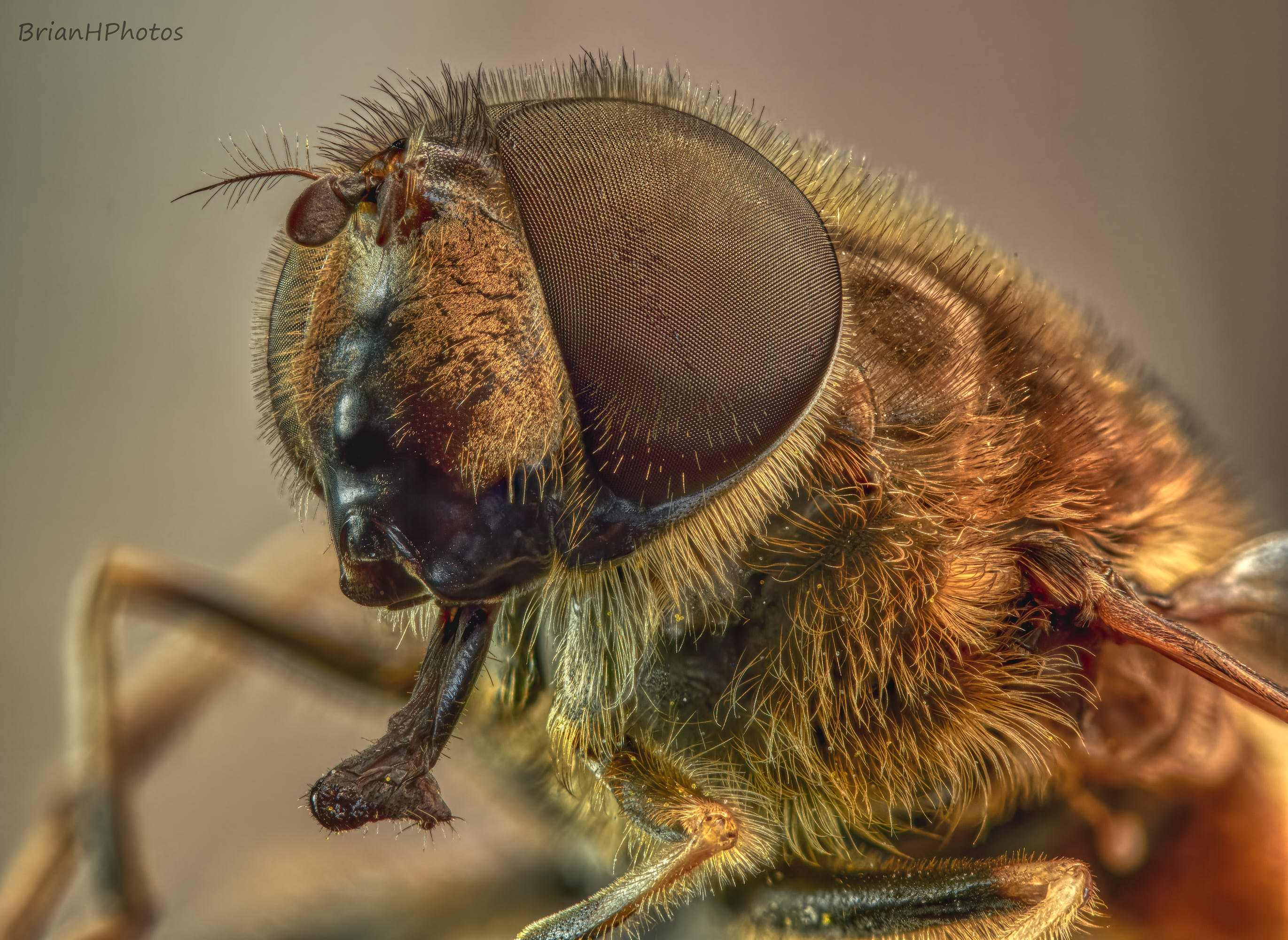
Click on the images to view at higher resolution
- Main image taken with the Olympus E-M1 III and 60mm macro lens + extension tubes and 2x converter
- Shot at F8, 1/2Sec, ISO200
- Stacked with Zerene Stacker (23 separate shots)
- Edited with Capture One and Aurora HDR
The purpose of this post is to show you how I process my stacks using Zerene Stacker.
Please click on the link below to watch the short video I made showing in detail how I use Zerene Stack to process my stacks.
Processing the stack video
Also have a look through the text and images below to see a breakdown of the main steps.
Prepare a stack of images ready to import into Zerene Stacker
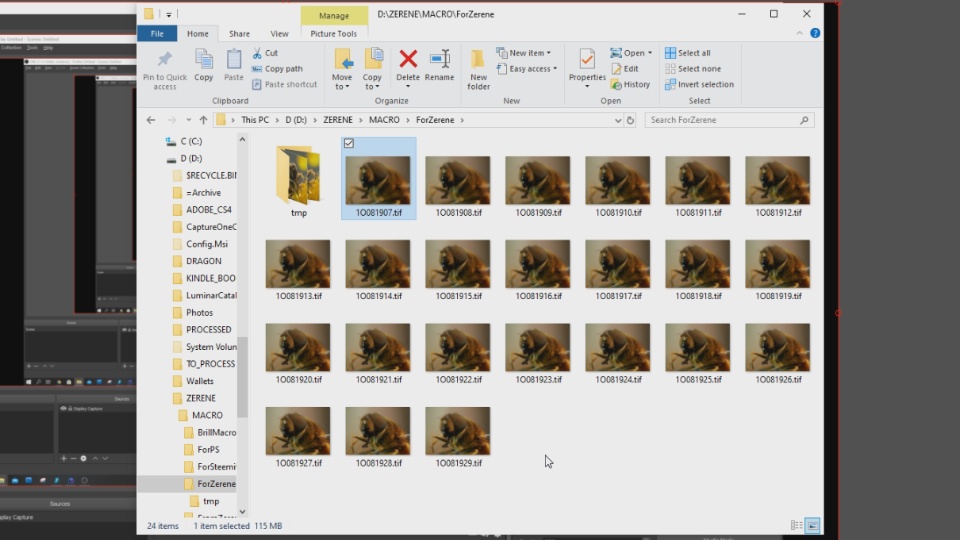
Check the first image in the stack.
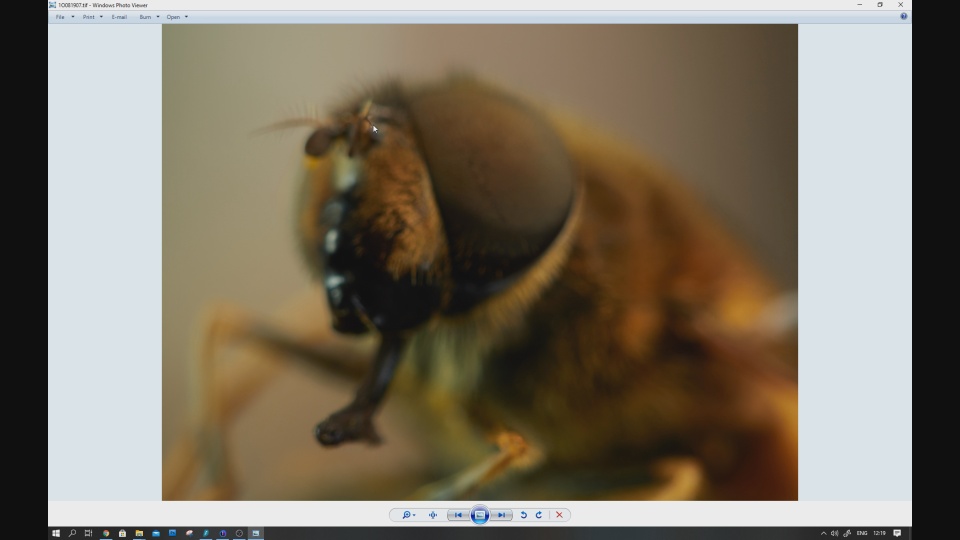
And the last image.
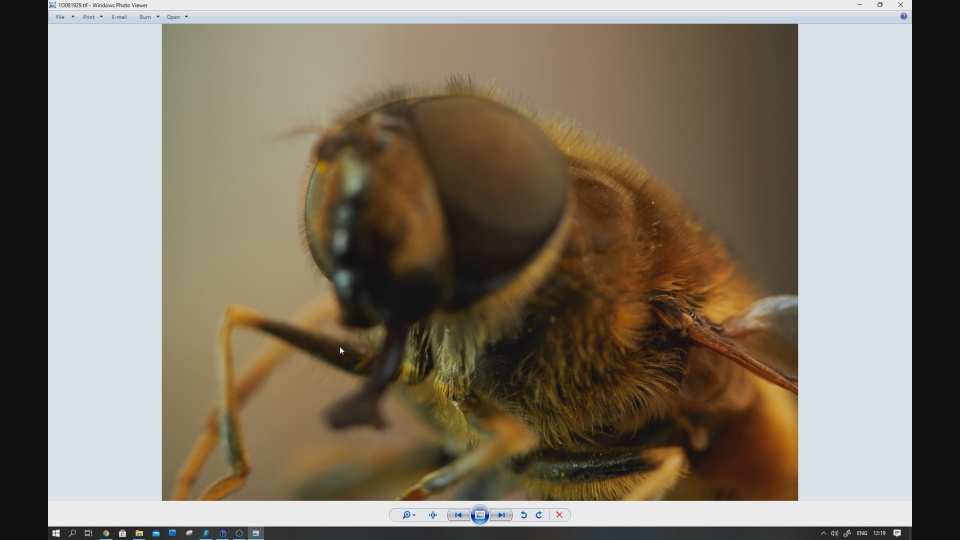
Having imported the stack into Zerene Stacker run the process to create a PMax image and a DMap image.
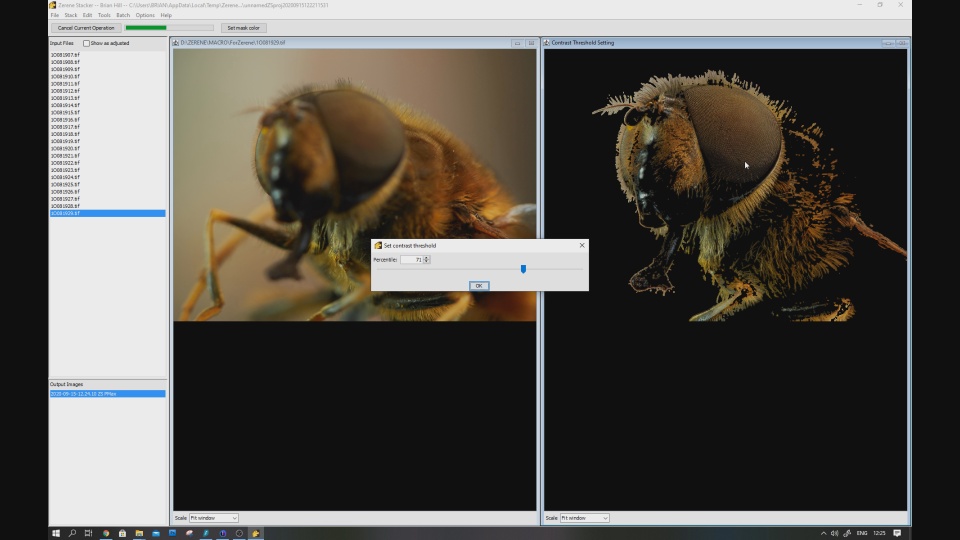
Editing and retouching the Dmap image from the PMax image.
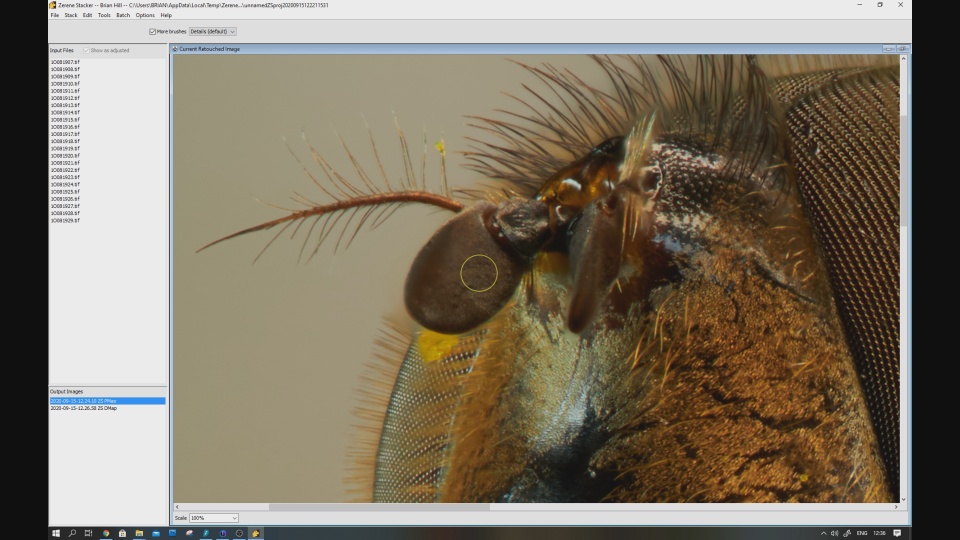
Retouching problem areas.
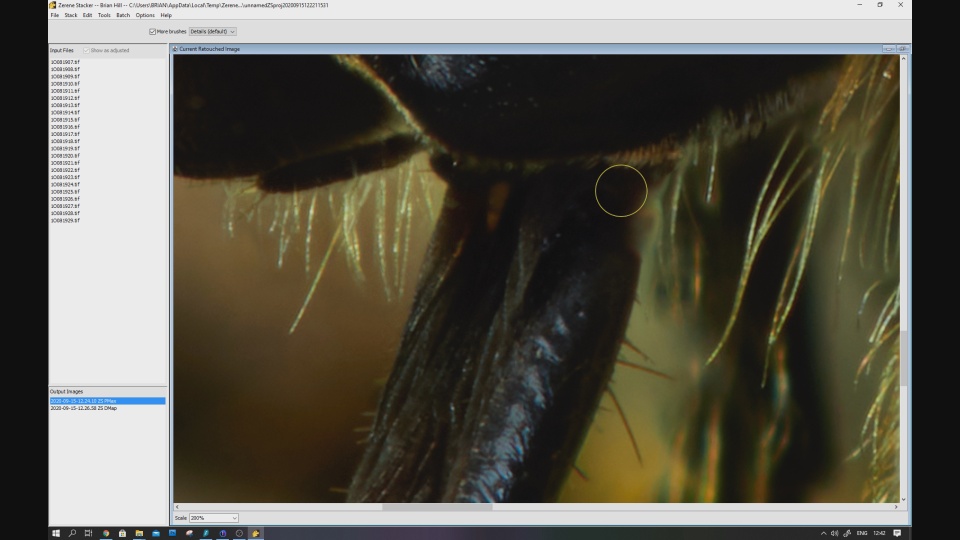
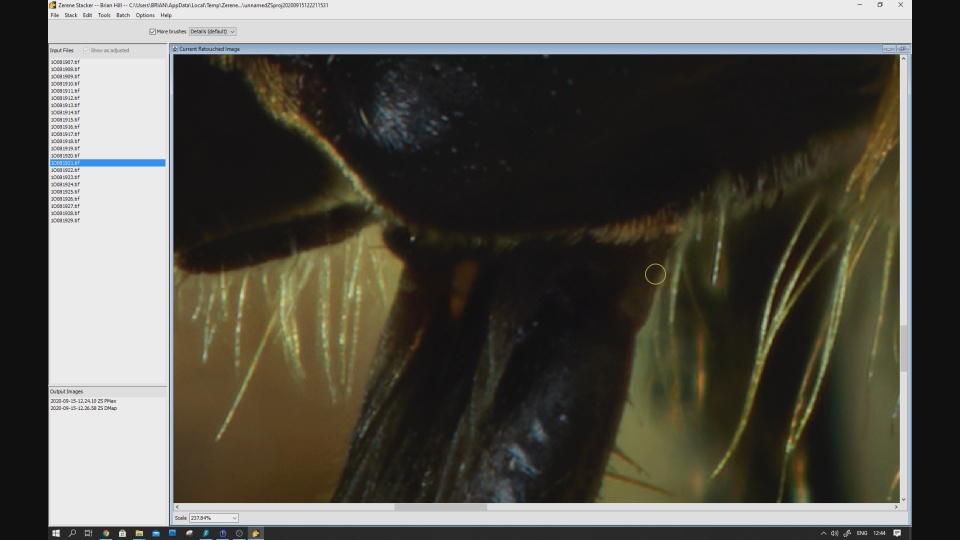
Retouch the DMap image from a single image from the stack.
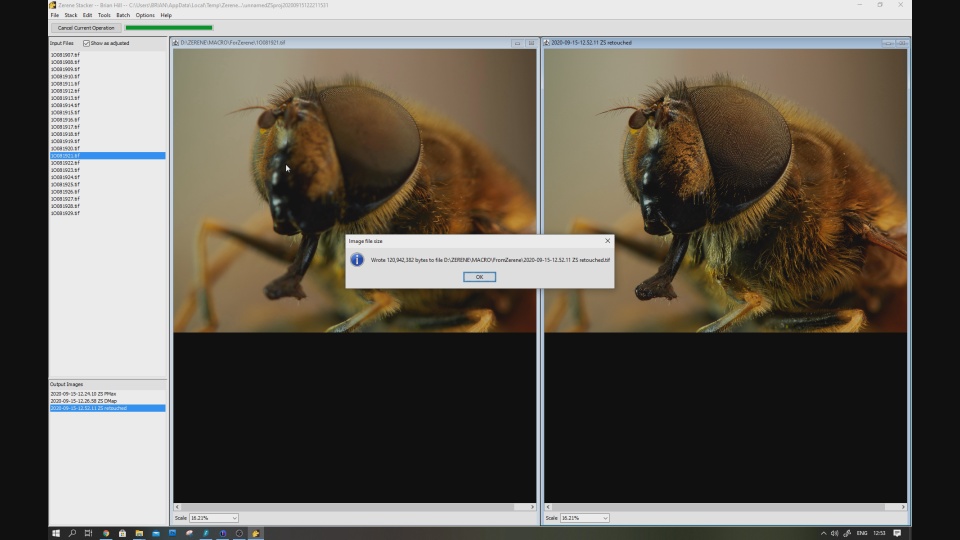
Saving the final retouched Dmap image.
Here are links to previous parts in the series:-
Part 1 Introduction
Part 2 Preparing Insects
Part 3 Preparing Flowers
Part 4 Equipment
Part 5 Shooting the stack
Thanks for taking a look at my photography
@brianhphotos.
It is unbelievable how impressive your whole work is. I am really grateful for such detailed video and explanation. I like so much the final result looks like 3-d Version :)
Thank you. I thought the best way to explain the stacking process was with a video. Pleased you like the final result.
Your post was upvoted by the @art-venture account after manual review. Support of Visual Artworks and Photogrpahy on Steem by @stef1 and @art-venture
Your post is manually rewarded by the
World of Xpilar Community Curation Trail
join the World of Xpilar Curation Trail, info can be found here