5 Hardware Tips to Keep Your Computer Safe
Greetings dear readers of the community, today I want to give you 5 Hardware tips, to keep your computer out of danger.
All the physical components of a computer require a series of maintenance to maintain its useful life in the long term, but they also require the user's basic knowledge to avoid damage to the components, so pay close attention to these tips.
NUMBER 5
 Clip aqui
PIXARBAY

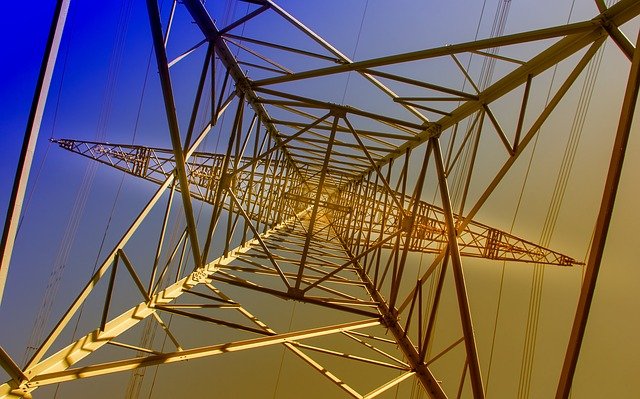
Everyone knows that one of the most bitter enemies of computers are the cuts and fluctuations of electricity, this is because the computer needs stable energy to perform its functions, that is why the power supply is responsible for maintaining stable electricity for our computer to work well, in addition to other components that carry the motherboard that regulate the incoming electricity to the component, such as RAM memory, storage units, the processor, among others.
My advice is to use certified power supply, voltage regulators, to be able to connect our computer, because these fluctuations and sudden interruptions of current cause great damage to computers, of course, that with these components we will prevent this from happening, do not be fooled with tales of unqualified electrician, who say it is the same to have or not to have regulators because it is false.
NUMBER 4
 Clip aquí
 PIXARBAY
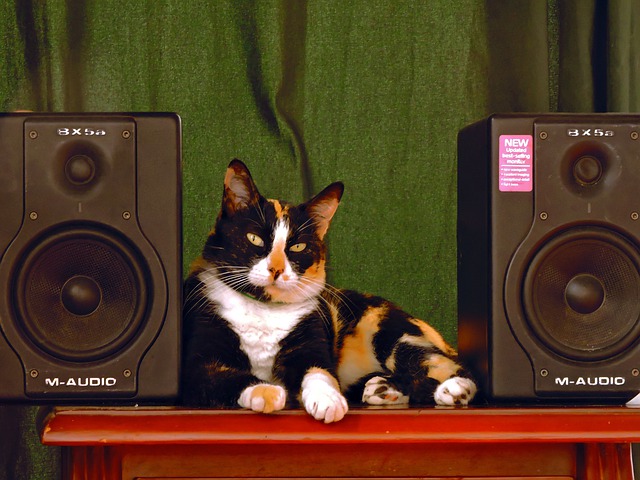
The blows or vibrations, this is another enemy of the computers, especially those that still have mechanical disks, I explain to them, a computer should not be subjected to blows or strong vibrations, because inside the box there are sensitive components, as it can be the mechanical hard disks, these when being exposed (DURING THEIR USE) to blows or vibrations, they stop working. So it is advisable not to place large speakers on the same table where the computer is, and of course avoid hitting the case while it is on.
My recommendation is to use a table with good support, to place our computer box, avoid fragile tables.
NUMBER 3
 Clip aqui
PIXARBAY
My recommendation is to make sure to use an anti-static bracelet or, in its defect, to do it barefoot, because the moment our feet make contact with the ground we discharge ourselves.
NUMBER 2
 Clip aqui
PIXARBAY
All electronic components do not take it very well with water, because it is an electrical conductor and sulfates the components, so I must make the following points, Do not use wet cloths of water to clean the keyboard, the screen or the mouse, use 100% alcohol to clean, do not use any other chemical component, since you do not know if it can react with the polymers of the computer.
NUMBER 1
 Clip aqui
PIXARBAY
The number 1 enemy of the computer is HEAT, all computers work by transforming electrical energy and passing it through different components, but part of the energy that circulates through our computer is lost as heat which means that the more energy our computer consumes, the more heat it generates. So here are my recommendations to keep the computer with good temperatures.
The first thing you should know is that the temperature of the case should be in about 30 to 40 degrees Celsius maximum, to maintain good performance, computer components separately also emit heat, which will add to the case, then we must use fans in the direction of extractors in the case to remove heat from the case, in turn others that introduce fresh air into it. I explain this much better in my post on proper cooling LINK .
I hope you liked this post see you in the next one.


Hello @rubenp!
Thank you for your advice. One of the factors that particularly affects my PC are the multiple fluctuations of electricity, and therefore always has its regulator connected, I also use to clean with a damp cloth so I'll be looking forward to your recommendation. Greetings!
do not use wet cloths, water leaks and damages the components, use 100% alcohol.
Greetings @ rubenp.. All the point emphasized in your publications are tip to Keeping your PC in tip-top condition lengthens the life of your PC, both internally and externally. A glitchy operating system, overheating CPU, or fast-draining battery are avoidable computer woes that a bit of regular maintenance could defend against.
So, in these times we live in, where computer prices have gone sky high and forecasts indicate that it will take a long time for prices to go down, is when we have to take care of our computers.